
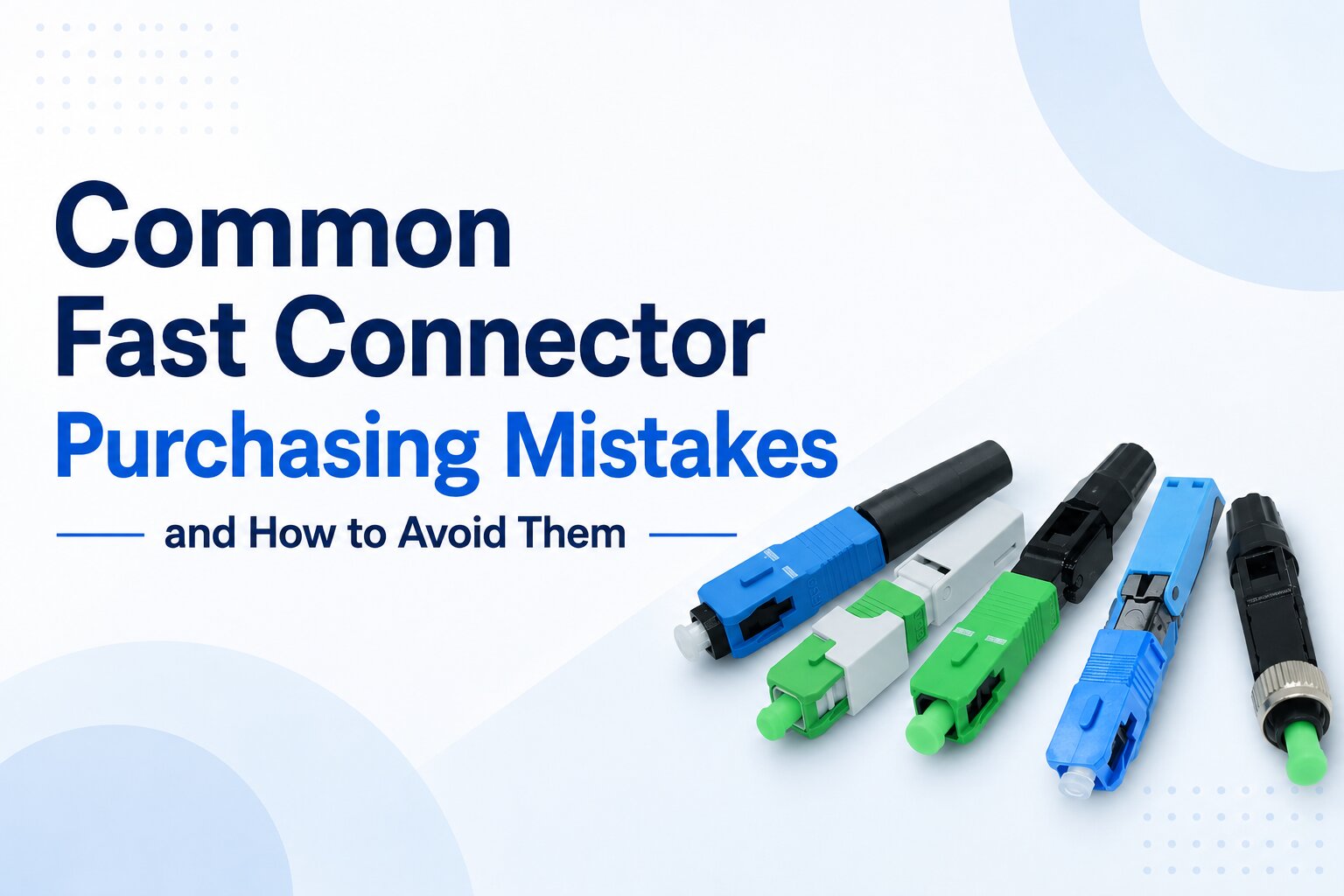
Fast connectors have become a standard solution for FTTH subscriber connections, network maintenance, and rapid service restoration. Their ability to terminate fibers without fusion splicing makes them attractive for installers looking to reduce deployment time and equipment requirements.
However, purchasing fast connectors is often more complicated than simply selecting the lowest-priced product or the most familiar model. Many installation issues originate long before technicians arrive on site—they begin during procurement.
Choosing incompatible connectors, overlooking cable specifications, or ignoring installation consistency can lead to project delays, unnecessary rework, increased maintenance costs, and poor user experience.
This guide reviews the most common purchasing mistakes and explains how to avoid them when selecting fast connectors for FTTH deployments.
Quick Answer
The most common fast connector purchasing mistakes include:
- Buying based only on unit price
- Selecting the wrong connector polish
- Ignoring drop cable compatibility
- Assuming all fast connectors install the same way
- Overlooking installation consistency
- Skipping sample evaluation
- Ignoring supplier quality consistency
- Purchasing without considering long-term maintenance
Successful procurement focuses on compatibility, consistency, and total project efficiency, rather than simply purchasing the least expensive connector.
Why Purchasing Decisions Matter
Unlike many passive components, fast connectors are installed manually in the field.
Their performance depends not only on manufacturing quality but also on:
- Fiber compatibility
- Cable compatibility
- Connector design
- Technician operation
- Installation procedures
- Project environment
A connector that performs well in one project may not be the best choice for another.
Selecting the correct connector before deployment reduces installation problems and improves project efficiency.
Mistake 1: Buying Only Based on Price
One of the most common procurement mistakes is comparing only the connector’s purchase price.
While unit cost is important, it represents only part of the total project cost.
Additional costs may include:
- Installation labor
- Technician training
- Connector replacement
- Repeat customer visits
- Maintenance
- Inventory management
A connector that saves a small amount during procurement but increases installation time or failure rates can significantly increase the overall cost of the project.
Instead of asking:
“Which connector is the cheapest?”
Ask:
“Which connector provides the best overall value for this deployment?”
Mistake 2: Choosing the Wrong Connector Polish
Many buyers overlook connector polish because SC connectors appear similar externally.
The two most common options are:
| Connector Polish | Typical Applications |
| SC/APC | GPON, XGS-PON, FTTH Passive Optical Networks |
| SC/UPC | Enterprise Ethernet, Legacy Networks |
Purchasing SC/UPC connectors for a network designed around SC/APC equipment can create compatibility problems and require unnecessary replacements.
Before placing an order, verify the connector polish used throughout the existing network.
Mistake 3: Ignoring Drop Cable Compatibility
Fast connectors are not universally compatible with every cable type.
Different products may be designed for:
- Flat FTTH drop cable
- Round indoor cable
- 0.9 mm buffered fiber
- 2.0 mm cable
- 3.0 mm cable
Using an incompatible connector may result in:
- Difficult installation
- Poor cable retention
- Inadequate strain relief
- Increased connector movement
- Reduced long-term reliability
Always confirm the cable structure and diameter before purchasing.
Mistake 4: Assuming Every Fast Connector Installs the Same Way
Although fast connectors serve the same basic function, their installation procedures can differ significantly.
Differences may include:
- Fiber stripping length
- Cleave length
- Fiber insertion method
- Locking mechanism
- Inspection process
- Cable fixing design
Purchasing multiple connector models for the same project increases technician training requirements and can reduce installation consistency.
Whenever possible, standardize on a single connector model for similar deployment scenarios.
Mistake 5: Ignoring Fiber Type Compatibility
Most FTTH deployments use singlemode fiber, but compatibility should still be confirmed.
Typical fibers include:
| Fiber Type | Typical FTTH Application |
| G.652.D | Backbone and distribution networks |
| G.657.A1 | Indoor access networks |
| G.657.A2 | FTTH drop cables |
Choosing a connector compatible with the installed fiber helps ensure smooth installation and simplifies future maintenance.
Even when products support multiple fiber types, buyers should verify compatibility in the product specifications before procurement.
Mistake 6: Purchasing Without Testing Samples
Skipping sample evaluation is one of the most preventable procurement risks, especially for OEM projects or large-volume FTTH deployments.
Although product specifications may appear similar, differences in connector design, installation experience, and manufacturing consistency are often only discovered during actual field installation.
Before placing a mass-production order, evaluate samples for:
- Installation procedure
- Fiber insertion stability
- Cable retention
- Connector locking mechanism
- Compatibility with existing adapters
- Packaging and labeling
- Overall installation experience
Field testing samples allows installation teams to identify potential issues before they affect large-scale deployment.
Mistake 7: Ignoring Manufacturing Consistency
A connector that performs well in one batch may not deliver the same results in the next if manufacturing quality is inconsistent.
Procurement teams should evaluate whether the supplier maintains stable production processes by reviewing:
- Manufacturing quality control
- Product consistency between batches
- Inspection procedures
- Traceability
- Technical documentation
Consistent production quality helps reduce installation variability and simplifies long-term maintenance.
Mistake 8: Overlooking Installation Efficiency

Some buyers focus entirely on connector specifications while overlooking how the product performs during installation.
Questions worth asking include:
- Is the installation process intuitive?
- Can technicians complete the installation consistently?
- Does the connector require additional adjustments?
- Are installation errors easy to detect?
- Is technician training straightforward?
A connector that improves installation efficiency across thousands of subscriber connections may provide greater overall value than one with only a lower purchase price.
Mistake 9: Forgetting Future Maintenance
Fast connectors are not installed only once—they may also need to be inspected, replaced, or serviced during the network’s lifetime.
When evaluating products, consider:
- Ease of connector replacement
- Availability of replacement connectors
- Compatibility with existing infrastructure
- Documentation and identification
- Long-term product availability
Selecting connectors that simplify maintenance can reduce operational costs over the life of the network.
Mistake 10: Choosing a Supplier Instead of a Solution
Many purchasing decisions focus primarily on supplier quotations.
However, a successful procurement decision should evaluate the complete solution, including:
- Product compatibility
- Manufacturing capability
- Technical documentation
- Delivery consistency
- Sample support
- Technical assistance
- Long-term supply stability
The goal is not simply to purchase connectors, but to select a solution that supports efficient deployment and reliable network operation.
Purchasing Checklist
Before issuing a purchase order, confirm the following:
| Item | Verification |
| Connector Type | SC, LC, or other required interface |
| Connector Polish | APC or UPC matches network standard |
| Fiber Compatibility | Verified |
| Drop Cable Compatibility | Verified |
| Installation Procedure | Reviewed |
| Sample Evaluation | Completed |
| Manufacturing Consistency | Evaluated |
| Documentation | Datasheet and specifications available |
| Packaging | Meets project requirements |
| Long-Term Supply | Supplier can support future demand |
Using a standardized purchasing checklist helps reduce procurement errors and improves project consistency.
How to Prepare an RFQ for Fast Connectors
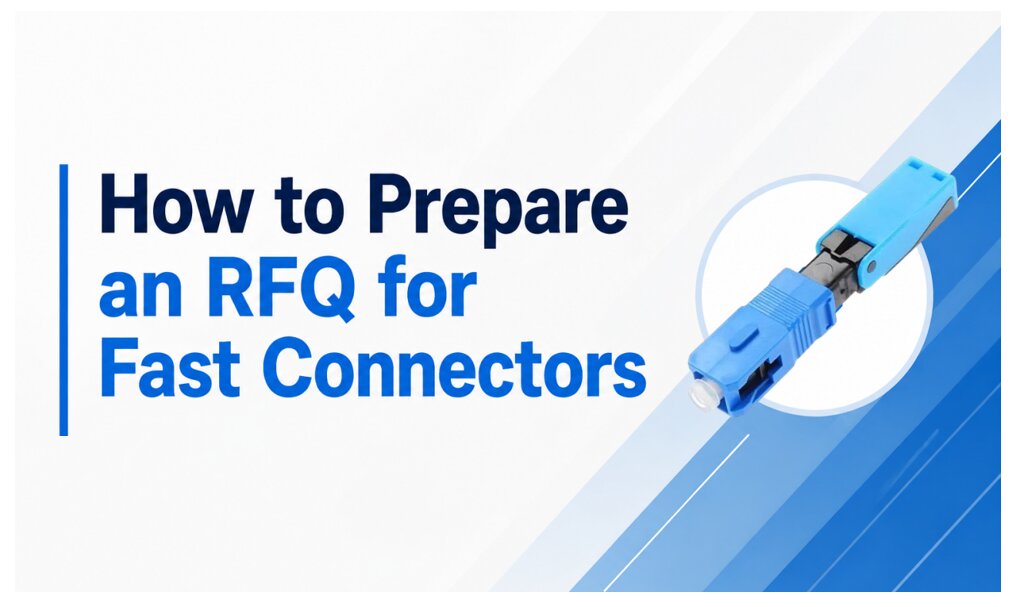
Providing detailed technical information allows suppliers to recommend appropriate products and reduces unnecessary communication during the quotation process.
A typical RFQ should include:
- Fiber type
- Connector type
- Connector polish
- Compatible cable type
- Cable diameter
- Indoor or outdoor installation
- Estimated quantity
- Packaging requirements
- Required certifications or documentation
- OEM branding requirements (if applicable)
The clearer the specifications, the lower the risk of receiving products that do not match the project requirements.
Example RFQ – Residential FTTH Deployment
| Item | Specification |
| Fiber Type | G.657.A2 |
| Connector | SC |
| Polish | APC |
| Cable | 2 × 3 mm Flat Drop Cable |
| Installation | Indoor FTTH |
| Quantity | 30,000 pcs |
| Packaging | Bulk Packaging |
| Documentation | Product Datasheet & Factory Inspection Report |
Example RFQ – Network Maintenance
| Item | Specification |
| Fiber Type | G.657.A1 |
| Connector | SC |
| Polish | APC |
| Cable | 3.0 mm Indoor Round Cable |
| Installation | Maintenance & Repair |
| Quantity | 3,000 pcs |
| Packaging | Individual Packaging |
| Documentation | Product Specification |
Expert Recommendation
Selecting a fast connector should never be based on a single specification or the lowest quotation. The best purchasing decisions consider the entire deployment lifecycle—from procurement and installation to maintenance and future network expansion.
A practical evaluation process is:
- Confirm the connector interface used throughout the network.
- Verify compatibility with the installed fiber and drop cable.
- Evaluate installation efficiency and technician usability.
- Review manufacturing consistency and quality documentation.
- Request samples for field evaluation before large-volume orders.
- Consider long-term maintenance and supply continuity.
For most GPON and XGS-PON FTTH deployments, SC/APC fast connectors compatible with G.657-series drop cables remain the preferred choice because they align with the connector standards commonly used across passive optical networks.
The most successful procurement strategy is not to purchase the least expensive connector—it is to purchase the connector that delivers reliable installation, consistent field performance, and efficient long-term maintenance.
FAQ
Why is buying the lowest-priced fast connector risky?
A lower unit price may be offset by higher installation time, additional technician training, increased rework, or higher maintenance costs. Evaluating the total project cost provides a more accurate basis for comparison.
Should I choose SC/APC or SC/UPC fast connectors?
For most FTTH, GPON, and XGS-PON networks, SC/APC is the standard choice because it matches the interfaces commonly used on passive optical equipment. Always verify the existing network standard before purchasing.
Can one fast connector fit every drop cable?
No.
Fast connectors are designed for specific cable structures and diameters. Always confirm compatibility with the flat or round cable used in your project.
Is sample testing necessary before placing a large order?
Yes.
Sample evaluation allows installation teams to verify connector compatibility, installation procedures, and overall usability before committing to volume production.
How important is manufacturing consistency?
Very important.
Consistent manufacturing quality helps ensure that connectors from different production batches install and perform in the same way, reducing field variability and simplifying maintenance.
Should installation efficiency influence purchasing decisions?
Absolutely.
A connector that enables faster, more consistent installations can reduce labor costs and shorten deployment schedules, even if its purchase price is slightly higher.
What information should be included in an RFQ?
A complete RFQ should specify the fiber type, connector type, connector polish, compatible cable, cable diameter, installation environment, quantity, packaging requirements, and any required documentation or OEM labeling.
What is the most common purchasing mistake?
One of the most frequent mistakes is focusing only on connector price while overlooking compatibility, installation workflow, and long-term maintenance. A successful procurement decision balances technical suitability, installation efficiency, and lifecycle value.
Related Guides
- Fast Connector or Fusion Splicing: Which Is the Better Choice?
- Which Fast Connector Is Best for FTTH Deployment?
- How to Improve Installation Efficiency with Fast Connectors
- How to Evaluate Fast Connector Quality Before Buying
- Which Fiber Pigtail Is Best for Fusion Splicing Projects?
Key Takeaways
- The lowest-priced fast connector is not always the most economical choice over the life of a project.
- Verify connector polish, fiber compatibility, and drop cable compatibility before purchasing.
- Standardizing connector models helps improve installation consistency and simplifies inventory management.
- Sample evaluation and supplier quality assessment reduce procurement risks for large FTTH deployments.
- Successful purchasing decisions prioritize compatibility, consistency, installation efficiency, and long-term reliability rather than price alone.
Keywords
fast connector purchasing guide, fast connector buying mistakes, FTTH fast connector, SC APC fast connector, field installable connector, fiber optic fast connector, fast connector procurement, FTTH connector selection, GPON fast connector, XGS-PON connector, field assembly connector, mechanical fiber connector, fiber connector compatibility, fast connector quality, FTTH deployment, fiber optic installation, fast connector RFQ, fiber connector buying guide, FTTH procurement, field termination connector


 Get Your Best Price Now!